Attendance App
Face-recognition attendance mobile app for fast daily check-in.
Role
Software Engineer
Timeline
2026
Platform
React Native
Focus
Face Recognition
Overview
Built a mobile attendance app that integrates AI face recognition to streamline employee check-in/out.
Problem
Manual attendance and PIN-based systems were slow and prone to misuse.
Solution
Implemented face recognition workflows with clear UX guidance to ensure fast, accurate attendance.
Role
Software Engineer (React Native)
Timeline
2026
Stack
Requirements
Functional & non-functional
Functional
- Face capture + verification flow
- Attendance history for employees
- Manual retry with guidance
Non-functional
- Low-light resilience
- Fast verification feedback
- Secure token handling
System Design
Architecture + data flow
Architecture
On-device flow with secure API verification and guided capture UI.
Key Decisions
- Guided capture to reduce failed attempts
- Compress + upload pipeline for performance
Data Flow
- Capture → preprocess → API verify → UI result
- Local history cache for quick access
Flow & Data
State flow and data model
Flow Steps
- Capture → preprocess → API verify → UI result
- Local history cache for quick access
Data Model
Entities
- User
- AttendanceLog
- VerificationResult
Relationships
- User has many AttendanceLogs
- AttendanceLog references VerificationResult
Business Logic
Rules that drive decisions
- Only verified faces can check-in
- Duplicate check-in blocked within time window
Scope & Constraints
Project boundaries
Scope
- Mobile attendance app
- Face recognition workflow
Constraints
- Device camera variability
- Lighting conditions
Your Contribution
What I handled directly
- React Native UI
- Face capture UX flow
- API integration
Challenges → Solutions
Key problem solving
Challenge
Face capture failures in low light
Solution
Added guidance + retry UX.
Challenge
Latency during verification
Solution
Optimized image handling.
Challenge
User trust in AI
Solution
Clear consent and feedback states.
Edge Cases
Stability in production
- Low-light camera failures
- Network failure after capture
- Multiple faces in frame
Impact
Results and outcomes
Gallery
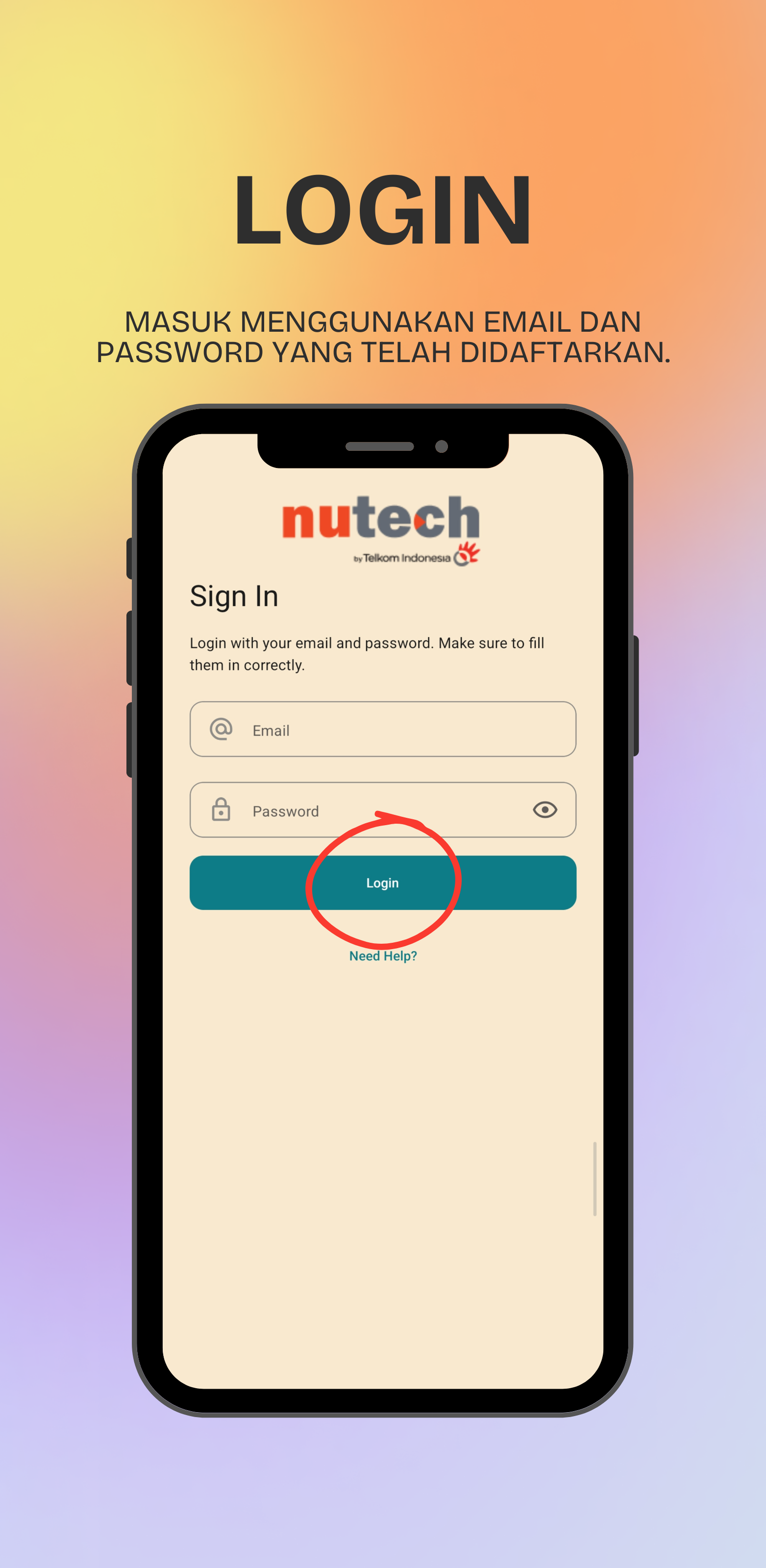
Key screens
Key Takeaways
What mattered most
- Mobile
- AI
- Attendance